Windows downloads are paused until the app is signed
We’ve paused new downloads of the Windows beta until its installer is code-signed. Copies already installed keep working and updating, the Mac app is unaffected, and the web tracker works on any PC.
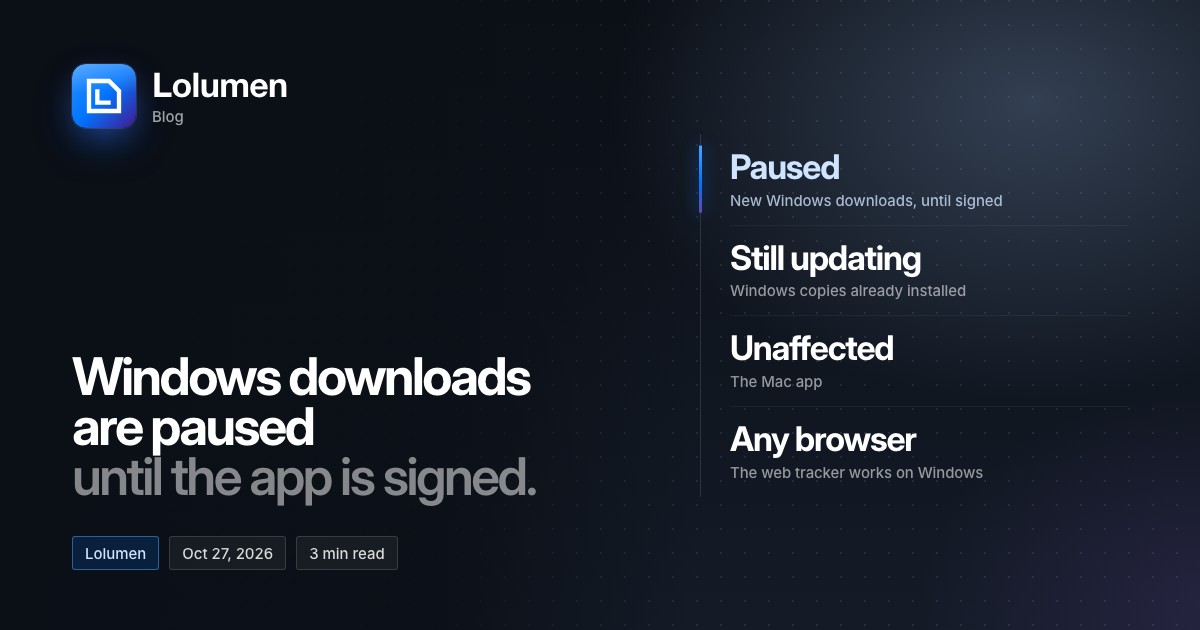
From today, new downloads of the Windows beta are paused. They’ll come back on the desktop page once the Windows installer is code-signed. Until then, we won’t ask anyone to install Lolumen past an “Unknown publisher” warning.
If you already have it
Nothing changes. Your copy keeps working, and it keeps updating itself, as before. There’s nothing to reinstall. The pause isn’t because of a problem with the app. It’s about how a new copy gets installed.
If you don’t have it yet
The web tracker works in any browser on Windows, and it’s free on every plan. You can:
- Log a game by hand in four keys as it ends.
- Import Hearthstone’s Power.log to bring in a whole session at once. Your browser reads the file, so it never leaves your computer.
How importing works shows where Hearthstone keeps its log on Windows, and how to turn logging on.
On a Mac
Nothing changes. Lolumen for Mac is signed and notarised by Apple, and you can download it as before.
Why we paused
The Windows beta arrived on October 24 with an installer that isn’t code-signed. The first time you ran it, SmartScreen said “Windows protected your PC”, and our download page told you to choose More info, then Run anyway.
That got the app installed, but it isn’t a habit we want to teach. The desktop app reads a file on your computer: Hearthstone’s own log, as you play. Software that does that should be able to prove who made it. Asking you to wave away the warning that exists to catch unknown software is the wrong way round, even when the software is ours.
What signing proves
A code-signing certificate ties an installer to a publisher whose identity a certificate authority has checked. When you run a signed installer, Windows checks the signature and confirms two things:
- Who published it. The installer carries the publisher’s verified name.
- That it hasn’t changed since it was signed. If the file was altered along the way, the signature no longer matches.
An unsigned installer can show neither, which is why Windows lists its publisher as “Unknown”.
Where we are
A certificate can’t carry a name until someone has checked that the name is real. To get one, the business behind Lolumen has to pass identity verification with Microsoft’s code-signing service, backed by official business documentation. That documentation is still being completed, and we expect it in the coming weeks. We’d rather wait for it than ask you to work around its absence.
Once it’s signed
- Windows names the verified publisher on the installer: the business behind Lolumen, in place of “Unknown publisher”.
- Downloads come back on the desktop page.
- SmartScreen’s trust builds from there. SmartScreen also weighs how established an app is, and a signed app earns that as people download it. The warning may not disappear on the first day. If SmartScreen does warn you in the early days, it will name the verified publisher, so you can check who made the installer before you run it.
We’ll update this post when Windows downloads are back. Until then, the tracker works signed out: your games wait in that browser, and when you sign in it offers to move them into your account, into the same history the desktop app sends to.