Every game of a meta deck, with the list it was played with
Each deck in Lolumen's Hearthstone meta now lists its finished ranked games, each with the exact list it was played with, and a list shows from its first game.
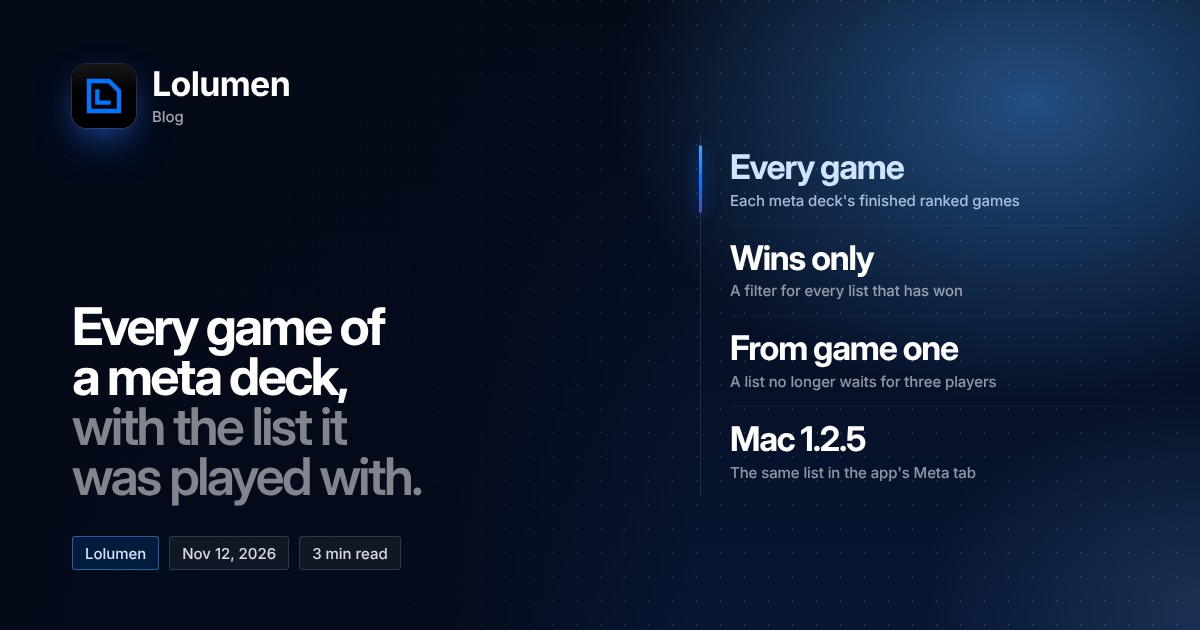
Lolumen's Hearthstone meta groups ranked games into decks named after their cards and places each one on a tier list once it has enough decided games. Until this week, a deck page told you how a deck was doing, but not which lists were behind those games. As of November 12, it does: every deck in the meta now lists its finished ranked games, each with the exact list it was played with.
What a deck page now shows
Open any deck from the meta (deck pages sit under /hs/meta/<class>/decks/) and you get its finished ranked games. You can switch between the last 10 games and all of them, and there is a filter for wins only.
Each game row shows:
- the result
- the opponent's class
- who went first
- how many turns the game lasted
- when it was played
Nobody is named. The rows describe games, not players.
Opening a game's list
Every game links to the list it was played with. Opening it shows the cards, lets you copy the deck code, or sends the list to the deck reader, and it shows that specific list's own record alongside.
That last part matters for anyone tuning a deck. An archetype's win rate blends every variant of it together; a list's own record tells you how that exact 30 has done, so you can compare two builds of the same deck instead of trusting the archetype average.
Lists show from the first game
Before this change, a deck's list waited until three players had run it. That threshold is gone: a list now shows from the first game it appears in. A list with one game behind it is one game of evidence, so read its record with that in mind. The meta page's tier list keeps its own rule and still needs 10 decided games before it places a deck.
Finding every list that has won
The wins-only filter is the quickest way to use this. Set a deck to all games, filter to wins, and you have every list that has taken a ranked game with that archetype in Lolumen's data. From there you can open each one, compare the flex slots, and copy the code of the one you want to try.
In the Mac app
The Meta tab in Lolumen's Mac app shows the same game list on each deck, starting with version 1.2.5. If you track games with the Mac app, update it to 1.2.5 or later to get the list there too. The tracker guide covers setting it up.
Your games, and the new terms
Because these pages show individual games and their lists, Lolumen's Terms and Privacy notice have been updated to say so, and everyone is being asked to accept them again. If you would rather your games stay off these pages, turn community stats off in your account; with it off, your games are kept out of the deck lists.