One page for the Hearthstone meta, and your rank in the Mac app
The Hearthstone meta is now one page with a tier list of every deck, and the Mac app lets you record the rank its new rank filter reads.
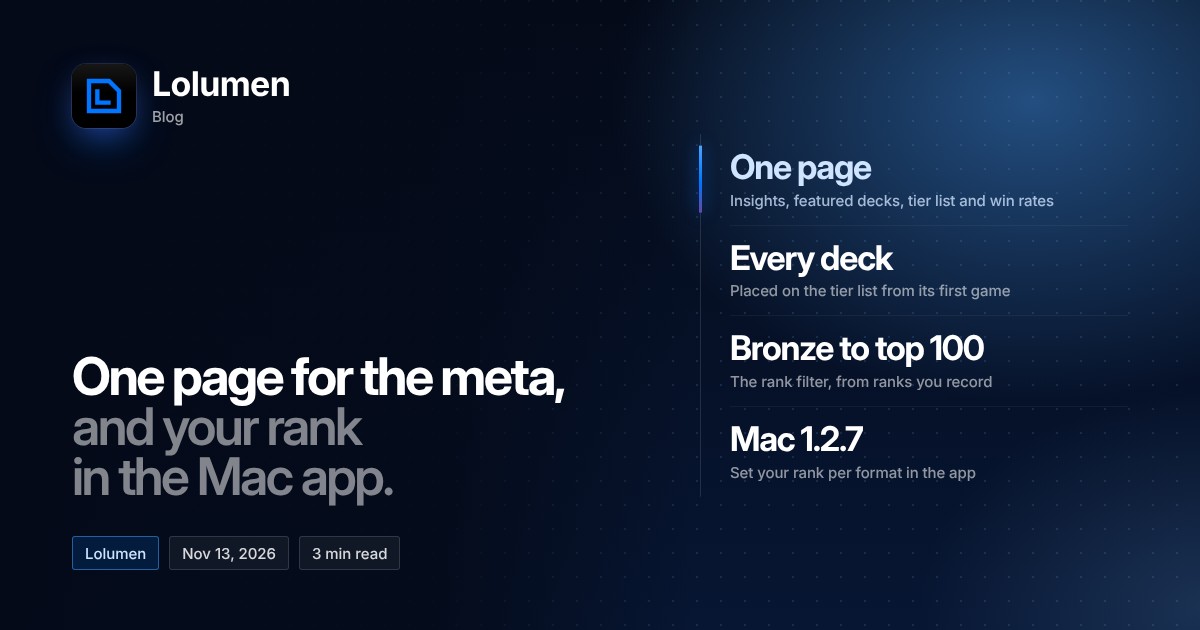
Lolumen's Hearthstone meta changed twice on November 13. The meta is now a single page with a tier list that places every deck, and the Mac app can now record your rank, which is where the meta's new rank filter gets its games. This post covers both, using only what the changelog and the meta page say.
The meta is one page now
The Hearthstone meta now has five parts on one page: insights, featured decks, the tier list, and win rates by class, deck, card, turn order and matchup. All of it can be cut to a time frame, a rank or a class. The page offers 1, 3, 7 or 30 days, Standard, Wild or Twist, and a class filter.
The insights are short notes on things like the top tier, the most-played deck, a rising deck, turn order and how open the meta is. The page says they are "written from the games in view, each with what it rests on."
In the Hearthstone menu, the old "Tier list" entry is now called "Meta."
How the tier list places a deck
Any deck with at least one game in view goes on the tier list. A deck with a thin record is still pulled toward 50%. The page explains that each deck is placed "by its win rate with 20 even games added, so a lucky run on a few games can't carry it." The changelog's example is a 7–1 run, which scores 61% after that adjustment. Any deck with fewer than 10 decided games is placed and marked Early.
Draws don't count, and every rate shows its 95% range. Tiers run from S down to D. Besides the tier list itself, there are tabs for By class, Popularity and Compare.
Win rates by card
The win rates now include a By card tab. It compares how decks that ran a card did against the same decks without it. This is a Premium feature, but it is free for now, like the rest of the full Hearthstone insights while the meta is being built.
Your rank, and the rank filter
The new rank filter goes from Bronze up to Legend's top 100. One limit matters here: Hearthstone's log doesn't record your rank, and Lolumen reads nothing else from the game. So a game only has a rank if you enter one.
Starting with version 1.2.7, the Mac app lets you set your rank for each format, either in Meta › Tier list or in Settings › Hearthstone. Pick a league and step, or Legend, and add your Legend rank if you want to. Your ranked games in that format keep that rank for the rest of the month, since ranks reset each season. If you want your games to show up when someone filters the meta by rank, setting it is the only way.
The tier list in the Mac app
Starting with version 1.2.6, the Mac app's Meta tab has a Tier list tab. It shows the same placings, filters and insights as the website. Version 1.2.5 had already added the game list on each deck, covered in our earlier post.
If you play on Windows, the web tracker still works in any browser. The desktop app is Mac-only for now.