Minecraft on Lolumen: patch notes, versions and mods for 26.3
Lolumen's Minecraft section has Mojang's patch notes for Java and Bedrock, every Java version, Modrinth mods filtered by loader and version, and two daily games. Here's what each page shows and where its data comes from.
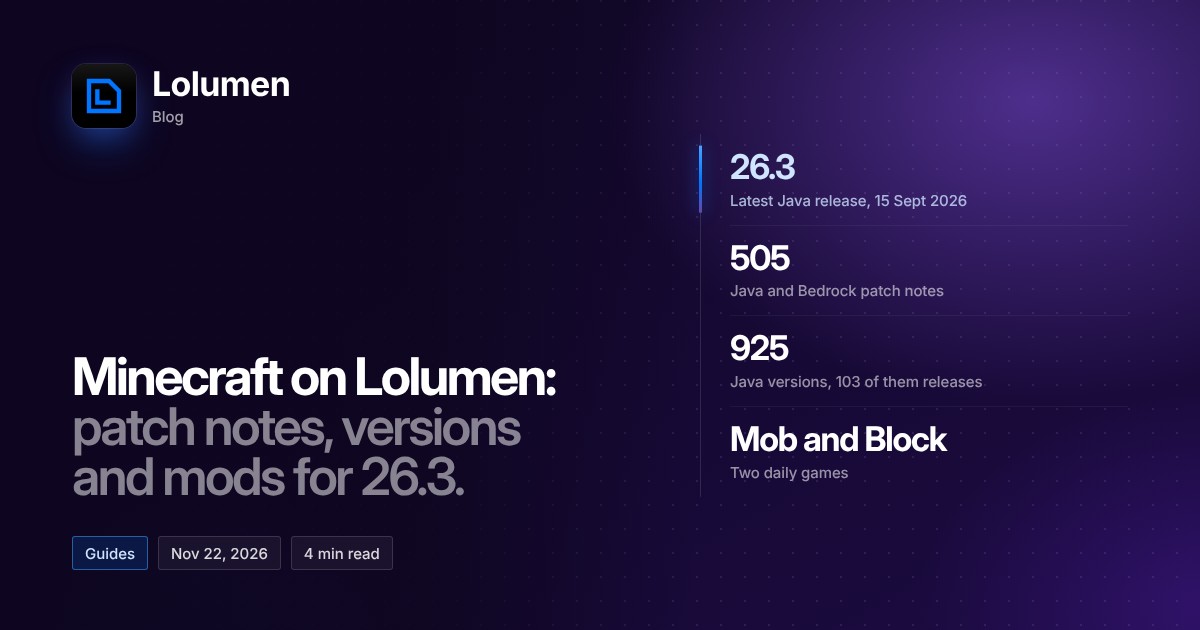
Lolumen is Hearthstone-first, but it also has a Minecraft section. It describes itself as "Two daily games, Mojang's patch notes, every Java version, and the mods people install most." This guide covers what each part shows, where its data comes from, and what it leaves to Mojang and Modrinth.
The Minecraft hub
The hub at /mc opens with the current versions. Right now that's Java release 26.3 (15 Sept 2026), Java snapshot 26.4-snapshot-10 (17 Nov 2026) and Bedrock 26.60 (27 Oct 2026). Each one links to its patch-notes page.
Below that are today's two daily games, the newest patch notes, and the most downloaded mods for 26.3 (Fabric API, Sodium, Iris Shaders, Entity Culling, Cloth Config API and FerriteCore at the time of writing), with download and follower counts from Modrinth. Every page in the section says plainly that it is "NOT AN OFFICIAL MINECRAFT SERVICE" and that Lolumen is not affiliated with Mojang or Microsoft.
Patch notes for Java and Bedrock
Updates lists "Java releases and snapshots and Bedrock releases, newest first, each with a link to Mojang's patch notes." The data comes from Mojang's launcher patch notes. It holds 505 entries, and four tabs filter them:
- All (505)
- Java releases (45)
- Java snapshots (378)
- Bedrock (82)
Each entry shows its version, a tag for its type and its date. An update's own page, such as 26.4 Snapshot 10, gives the version and date, a "Read the patch notes on minecraft.net" button, and a link to the previous version (26.4-snapshot-9 here). Lolumen doesn't rewrite the notes. It points you to Mojang's own article, so the changes you read are the official ones.
Every Java version
Versions lists "Every Java Edition release and when it came out, from Mojang's version list." It currently counts 103 releases and 925 versions in all. The default view shows releases only. "Everything, snapshots too" adds every snapshot.
Releases are grouped by major version, from 26.3 back to 1.0, and each row gives the version, its release date and a link to its notes where they exist. The page explains the gap: "Mojang's launcher has patch notes from 1.13 (18 Jul 2018) on, so older versions have none here." This page is useful when a mod, server or modpack asks for a specific version and you want to know how old it is.
Mods, filtered to your setup
Mods searches Modrinth's catalogue. Four filters set it up:
- Loader: any, Fabric, NeoForge, Forge or Quilt.
- Game version: any, or a specific release from 26.3 back to 1.7.10.
- Category: 20 options, including Optimization, Library, Utility and World generation.
- Sort: most downloaded, most followed, recently updated or newest.
For 26.3, about 11.4K mods match, and the list shows the first 1,000. Each row gives the mod's name, author, all-time downloads and followers, a one-line description, its loaders and categories, and usually when it was last updated. Every mod opens on its Modrinth page.
The Essentials section is the quickest check before an update. It groups common mods into Performance, Quality of life, Maps and minimaps, Building, and Shaders support. For each one it says "Has a build for 26.3" or "No build for 26.3", checked against Modrinth. Change the filters to check a different setup. The page closes with advice on getting mods safely: download from the source, and match your loader and game version.
Downloads and followers are all-time totals from Modrinth. They show how popular a mod is, not whether it's good or works on your version, which is what the build check is for.
Two daily games
The hub has two dailies:
- Mob: "Guess the mob from how its attributes compare."
- Block: guess the block from properties such as hardness and blast resistance.
They follow the same rules as every Lolumen daily, as the daily games page explains. Everyone gets the same puzzle on the same day, and a new answer is picked "at midnight on your own clock". A free account keeps each game's streak and carries your results between devices. Practice rounds never touch your streak. You can play any daily from the past year, and the leaderboards rank the fastest solvers and the longest streaks.