Lolumen's docs: where every answer lives
How Lolumen's thirteen docs pages are organised, the three tasks they open on, the ⌘ K search shortcut, and the short answers in the FAQ.
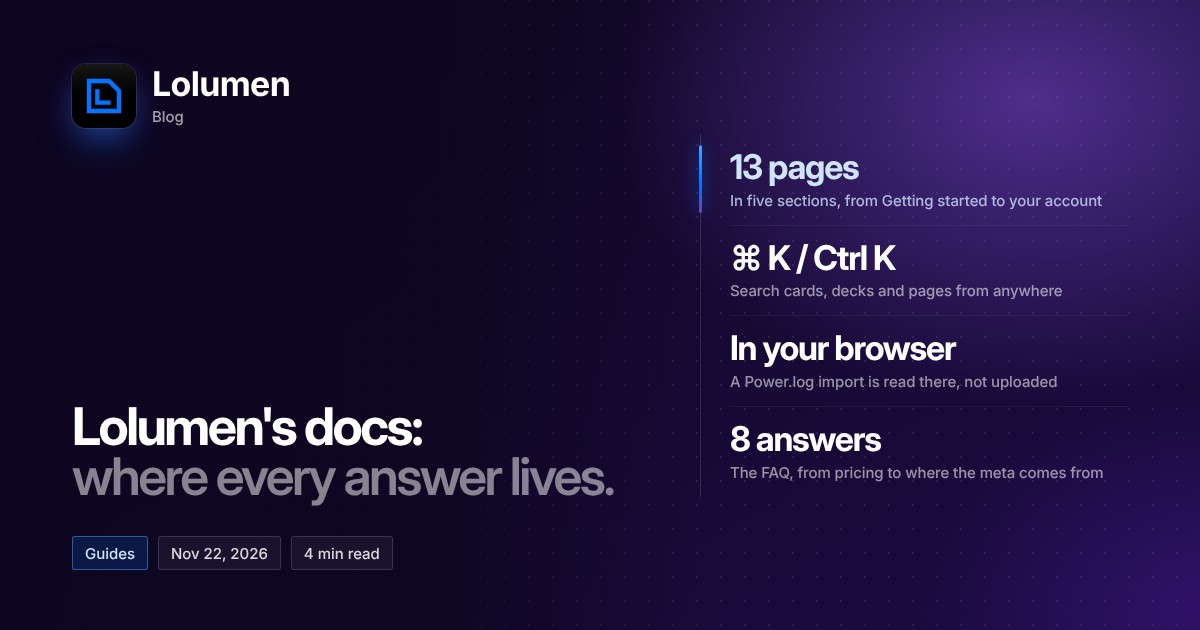
Lolumen has a documentation section at /docs. It's short, task-led and mostly about Hearthstone. If you've used the tracker or the meta and wanted to know where a number comes from or how to bring in a session, the answer is probably on one of its thirteen pages. This guide covers how the docs are organised, the three tasks they open on, and the short answers in the FAQ.
How the docs are laid out
The docs index groups its pages into five sections:
- Start here: Getting started, which covers what Lolumen does, what an account adds, and where everything is.
- Hearthstone (six pages): tracking games by hand and the keyboard shortcuts; importing your Power.log; reading your analytics, including how the ranges are worked out; community stats and the meta, including how to opt out; cards, formats and bans; and deck codes, saved decks and community decks.
- Daily games (one page): every game, streaks, leaderboards, practice rounds and the archive.
- Agents (two pages): adding Lolumen to Claude or any MCP client, and a reference for every tool the connector offers.
- Your account (three pages): Premium and billing, your data and privacy, and the questions people ask most.
The index has its own search. When no docs page matches what you type, it offers to search the whole site instead.
The three popular tasks
Under the sections, the index lists three tasks with one-line instructions:
- Import your Power.log: turn on logging in log.config, play a game, then drop the newest Power.log on the tracker.
- Read your ranges: check the range under each win rate. When two ranges overlap a lot, the rates aren't really different yet.
- Add Lolumen to Claude: add a custom connector in Settings, paste the address, then turn it on in a chat.
The second one matters most for competitive players. A deck at 56% and a deck at 52% are not clearly different if their ranges overlap heavily, and Lolumen's analytics show those ranges so you can tell.
Getting started in five minutes
The Getting started page sets out a first session in five steps: open the tracker (it works without an account, and games tracked while signed out stay in that browser), log a game by hand or import your Power.log, read the deck's code and save it (the free plan keeps up to 200 decks), look at how each deck has done over your last 30 days in analytics, and try the daily guessing games.
It also says what a free account adds: your tracked games and saved decks on every device, results and streaks in the daily games with an optional place on the leaderboards, and a public profile at your own address, which you can keep private. When you sign in, the tracker offers to move games you tracked while signed out into your account.
One shortcut from that page is easy to miss. Press ⌘ K (or Ctrl K) anywhere on Lolumen to search cards, decks and pages.
The FAQ, in brief
Questions and answers has eight entries. The ones competitive players ask most:
- Is it free? Tracking, importing, recent analytics, every daily game and its archive, saved decks and the card library are free. Premium covers only the high-end Hearthstone insights, and Lolumen is free until the Hearthstone meta is built, Premium included.
- Do I need to install anything? No. The site runs in your browser. To import games, you turn on Hearthstone's own log once.
- Does importing upload my log? No. The file is read in your browser, and only the games found in it are saved to your account.
- Why is a win rate greyed out? Too few games are behind it to mean much yet.
- Is a card in Standard? Switch the card library to Standard, or open the card, whose page says where it can be played. Standard for the Year of the Scarab is Core, Event and the expansions of 2025 and 2026.
- Where do the meta numbers come from? From the ranked games players track on Lolumen and choose to share, not the whole ladder. The meta is a sample of shared games, not a census of the ladder.
The FAQ also confirms that Lolumen isn't made by, affiliated with or endorsed by Blizzard or Riot.
Where to go next
If you're new, read Getting started and then the tracking and Power.log pages, in that order. If you already track games, the analytics page explains what the ranges mean, and the community stats page explains what the meta counts and how to keep your own games out of it.