Using Lolumen in Claude: cards, bans and decks from any chat
Lolumen's free connector lets Claude look up Hearthstone cards, bans, deck codes and class win rates. Here is how to add it, what its 14 tools do, and where it stops.
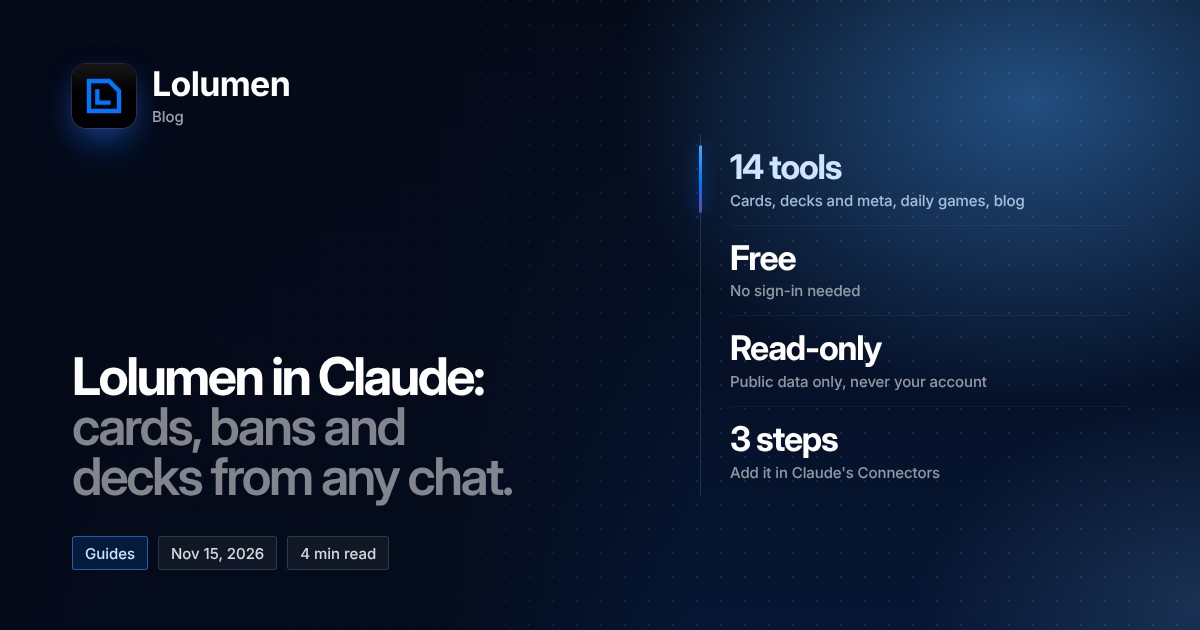
Lolumen has a connector for Claude. Once it is added, you can ask Claude about Hearthstone cards, bans, deck codes and the meta in an ordinary chat, and Claude answers by calling Lolumen's own tools instead of guessing from memory. The connector is free and needs no sign-in. This guide covers how to set it up, what it can look up, and where it stops.
Setting it up
The connect page lists three steps for claude.ai or the Claude app:
- Open Claude's settings and go to Connectors.
- Add a custom connector named Lolumen with the address
https://www.lolumen.com/mcp. Leave the advanced settings empty. - In a chat, open the tools menu under the message box and turn Lolumen on.
In Claude Code, one command does the same:
claude mcp add --transport http lolumen https://www.lolumen.com/mcp
What you can ask
The connect page gives these as examples:
- "Is Bat Mask in Standard right now?"
- "Which cards are banned in Standard, and since when?"
- "Read this deck code and tell me if it's legal today."
- "Show me 5-mana Mage spells from Reign of the Black Empire."
- "Which classes have the best win rate on Lolumen this month?"
- "Which sets are in Standard, and when is the next rotation?"
You do not name tools yourself. Per the tool reference, Claude picks the tool and fills in its inputs, and any optional input can be left out.
The 14 tools
They come in four groups.
Hearthstone cards (6). search_cards searches collectible cards by name or text, filtered by class, cost (exact or a range), type, rarity, tribe, set and format. get_card returns one card with its legality, printings, crafting cost and a Lolumen link. check_card_format checks up to 30 cards against Standard and Wild, counting every printing and the current bans. standard_rotation gives the current Standard year, its sets and the expected next rotation. list_bans lists cards banned in Standard or Wild, with ban dates and the announcements. list_sets lists sets newest first, with release year, card count and Standard status.
Decks and meta (4). decode_deck reads a deck code or a pasted list and returns the class, format, cards, mana curve, dust cost and legality. class_win_rates gives class win rates and game share from ranked games players have shared, with 95% ranges. deck_meta gives class deck shares, average dust and most-played cards from public decks over the last 60 days. community_decks lists public shared decks, filtered by class and format.
Daily games (2). daily_games gives today's puzzles, the puzzle number, when the next ones start and where to play. leaderboard gives the fastest solvers or longest streaks for one game, such as hs-classic; only players who opted in appear.
Blog (2). list_blog_posts and get_blog_post read this blog, so Claude can pull up a post such as a patch breakdown by its slug.
Where it stops
The connect page is explicit about the limits:
- It reads public data only. It cannot see anyone's account, tracked games, private decks or settings.
- It is read-only and never acts as a user.
- Win rates come only from games players chose to share.
- It will not reveal daily game answers.
- Class-against-class matchups are Premium on the site and are not part of the connector.
That makes it a lookup tool, not a coach. It is good for checking whether a list is legal after a ban, finding a card you half remember, or reading a deck code someone pasted, without leaving the conversation. For your own numbers, use the tracker and your analytics on the site; for the full picture of the field, the meta page has the tier list and matchups.