What Lolumen reads from Hearthstone, and what it never touches
A walk through Lolumen's fair play page: the two log files the Mac app reads, the two settings it edits, what leaves your computer, and what it never does.
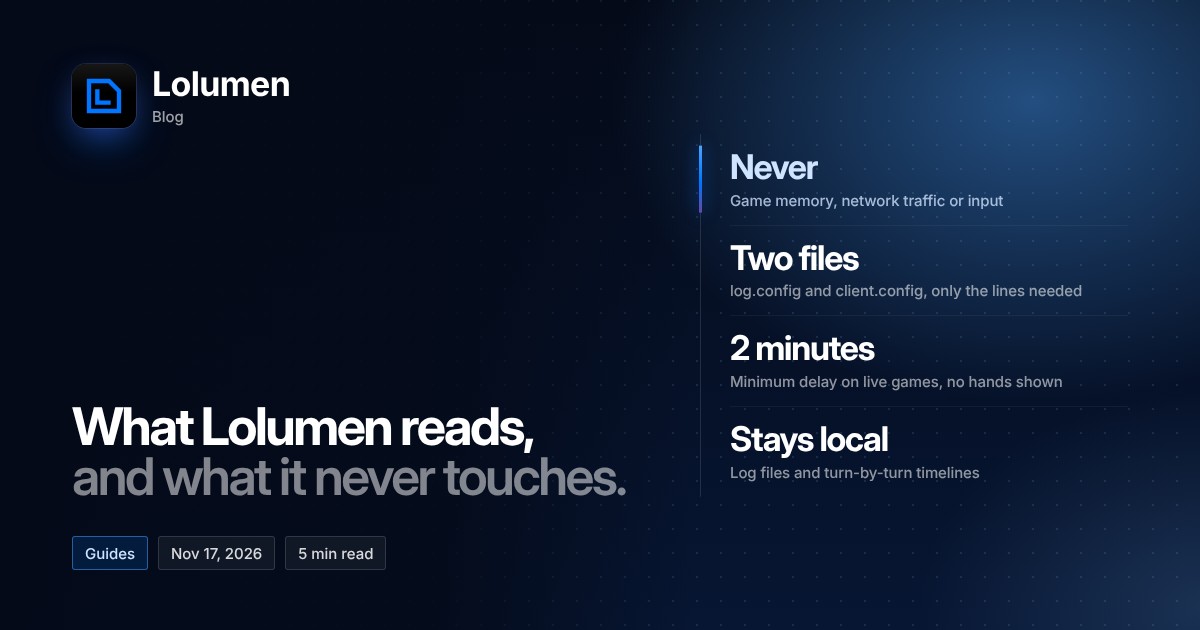
Any tool that sits next to a ranked Hearthstone game should be able to say exactly what it reads and what it leaves alone. Lolumen's fair play page does that game by game. This guide walks through the Hearthstone parts: what the desktop app and the web tracker read, what leaves your computer, and the lines Lolumen says it never crosses.
What Lolumen never does
The page lists six things, and they apply to everything Lolumen makes:
- No game memory. Nothing Lolumen makes reads or changes a game's memory, or runs anything inside a game.
- No game file changes, apart from Hearthstone's two log settings files (more on those below).
- No network interception. It never watches or captures what a game sends or receives.
- No playing for you. It never sends a key, a click or any other input to a game, and never automates any part of play. The desktop app's shortcuts act only on Lolumen's own windows.
- No hidden information. An opponent's card appears only once the game has revealed it. Live games shown to other people on /hs/live run at least 2 minutes behind and hold only what both players can see, never anyone's hand.
- No account access. Lolumen doesn't use Blizzard's or Riot Games' account APIs.
What the desktop app reads
The desktop app, which is Mac only for now, tracks Hearthstone from the logs the game writes for itself:
- Power.log and Decks.log, from Hearthstone's own Logs folder, as you play.
- Whether Hearthstone is running, from the system's list of running programs, so a game in progress isn't shown after the game closes.
To get those logs, it edits only the lines it needs in two settings files:
- log.config, kept with your Hearthstone preferences (
~/Library/Preferences/Blizzard/Hearthstone/log.configon a Mac), to turn on the Power and Decks logs. - client.config, in the Hearthstone folder, to lift the 10 MB limit on a log's size. Without it, Hearthstone stops writing Power.log partway through a long session. The app leaves this file alone unless the folder is a real folder and, on a Mac, belongs to you.
Hearthstone picks up both changes the next time it starts.
What leaves your computer
The log files and each game's turn-by-turn timeline stay on your computer. What the app sends to your Lolumen account:
- Each finished game: both classes, the result, who went first, the format and mode, the deck you queued with (its code and its in-game name), the cards you played and drew, the cards your opponent revealed, your mulligan, when it was played and how many turns it lasted.
- A snapshot at each turn of what both players can see, once you've accepted the terms. It never holds a card in your hand, your deck's order, or any card the log kept face down.
- Your computer's name and platform, the app's version and when it last connected.
- A deck from your collection, only when you choose to save it.
Each deck you play is kept on your account and stays private unless you publish it. Disconnect the app in Settings and it stops sending at once. Besides lolumen.com, the app only checks GitHub for its own updates and loads pictures from the image servers named in the privacy notice.
The web tracker
The web tracker changes nothing on your computer. You can log a game by hand as it ends, and only what you type is saved. Or you can import a Power.log: it is read in your browser and never uploaded, you see the games it found before anything is saved, and only those games are sent. Signed out, your games stay in your browser's storage. You turn the Hearthstone log on yourself, once, following the Power.log guide.
Where the meta and card data come from
- The meta and community statistics are built from ranked games players track on Lolumen, with no names attached. You can keep your games out of them in Settings.
- Card data (names, stats, text, sets and artists) comes from HearthstoneJSON by HearthSim, pinned to one build per version of the site. Card pictures load in your browser from HearthSim's art server.
- Rotation, bans and set names are written up by hand from Blizzard's announcements, and each ban links to the post that announced it.
Free and Premium
The card library, deck reader, meta, tracker, daily games and the desktop app are free. Premium covers the high-end insights on games you track: advanced deck analytics, card performance, the community matchup tables and your whole history. Hearthstone is the only game with anything in Premium, and while the Hearthstone meta is being built, Premium is free too.
If you're a publisher and something on the page doesn't sit right with your terms, the page asks you to write to Lolumen; the address is at the foot of the fair play page.