Your Lolumen data: what's public, and how to take it with you
What other players can see of your Lolumen account, what stays private, and how to export your data or delete your account, from Lolumen's privacy docs.
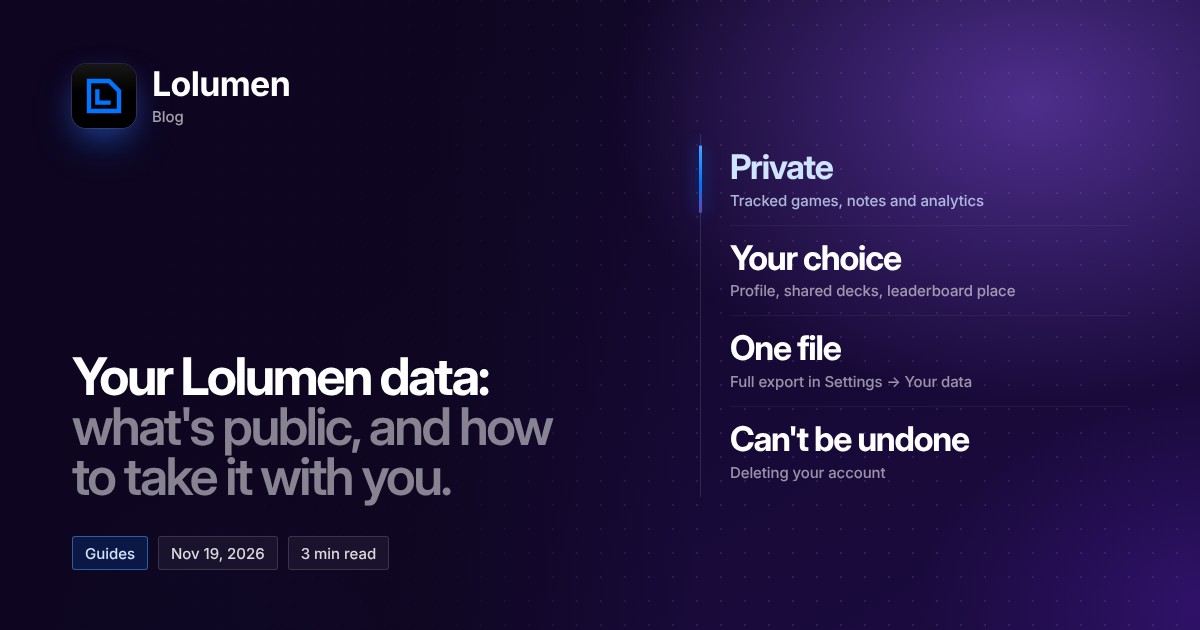
A Lolumen account holds more than your tracked games: a profile, saved decks, puzzle results, follows and settings. Lolumen's docs page on your data and privacy sets out which of those other people can see, which they can't, and how to download or delete all of it. This guide walks through that page and adds nothing it doesn't say.
What other people can see
The docs list three things other people can see:
- Your profile page, unless you make it private. It shows your name, handle, photo and bio, plus your favourite class, your region and any links you add. Your BattleTag appears only if you choose to show it. The profile also shows the saved cards and puzzle stats you have on it. The getting started docs describe it as a public profile "at your own address", which you can keep private. A private profile is visible only to you.
- Decks you share in community decks.
- Your place on the daily-game leaderboards, unless you turn that off.
Make your profile private, keep your decks unshared and turn off the leaderboard, and none of the three applies to you.
What nobody else sees
- Your tracked games, notes and analytics. The docs say plainly that nobody else sees them. Your win rates on Analytics are yours alone.
- Private decks and your settings.
- Your email address and payment details. Sign-in is handled by Clerk and payments by Stripe, and Lolumen never sees your card.
Community stats are totals, never you
Your ranked games can feed the community class win rates on the Hearthstone meta, but only as totals that are never tied to you. They count only while one setting is on: Count my ranked games in the community stats, under Settings → Preferences. Turn it off and your games stay out of the community numbers; they still count in your own analytics.
Downloading everything
Settings → Your data (/settings/data) gives you one download with your profile, settings, tracked games, decks, puzzle results and stats, follows, likes and saved cards. Two things aren't in it: staff notes and the staff action log. The docs say you can ask the team for those.
If you only want your games in a spreadsheet, Game history exports them as CSV.
Deleting your account
Deletion lives on the same page, Settings → Your data. When you delete:
- Any active subscription is cancelled first, so you aren't billed again.
- Your profile and everything tied to it is deleted.
- You're signed out on every device.
The docs are clear that this can't be undone, so take the export first if you want a copy.
Games tracked while signed out
You don't need an account to use the tracker. Games you track while signed out stay in your browser and never leave it unless you move them into an account; when you sign in, the tracker offers to do that. Clearing the site's data in your browser removes them, so a signed-out tracker is only as durable as your browser storage.
Where to ask
The docs point to the full privacy policy and terms for the legal text, and to support@stacklumen.com for questions, bugs and account help.