Saving and sharing Hearthstone decks on Lolumen
How a pasted deck code becomes a saved deck with its own record, how public decks reach Community decks, and how to check a list is still legal.
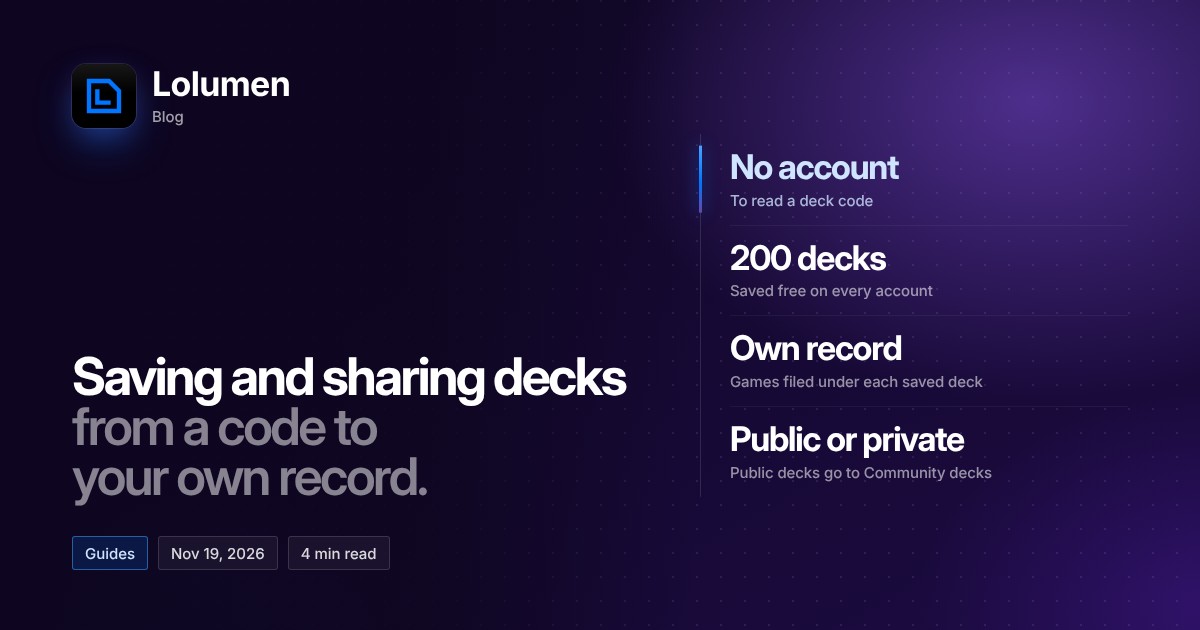
A deck code is the line of text Hearthstone gives you when you copy a deck. On Lolumen, a code can stay a one-off read, or become a saved deck that the tracker files your games under and that other players can find. This guide covers how that works today, using only what Lolumen's own pages and docs say.
Reading a code needs no account
Open the deck reader and paste a code. You don't need to trim the export first: you can paste the whole text the game copies, deck name and card list included, and Lolumen finds the code in it. The reader shows the class and format, every card with its count and cost, the mana curve, and the dust it costs to craft. The reading happens in your browser, so the page needs JavaScript.
Reading a deck needs no account. Saving one does.
Saving a deck
Signed in, you can save any deck you read. Every account can save up to 200 decks, free.
A saved deck is more than a bookmark. Saved decks appear in the tracker, so you can pick one when you log a game by hand. Games you import are filed under the saved deck whose cards they played, and each saved deck shows its own record. If you test several versions of a list, saving each one keeps their records apart instead of mixing them into one class total.
That record is what Analytics works from when it breaks a deck down by matchup and coin, so a saved deck is the simplest way to get a per-list view of your own games.
Public or private
A saved deck can be public or private. A private deck stays yours: it files your games and shows your record, and nobody else sees it.
A public deck appears in Community decks. There, anyone can read it, copy its code and like it. The page sorts by newest or most liked, and filters by class (all eleven current classes) and by format: Standard, Wild or Twist. According to the docs, public decks also feed what players are building on the Meta page.
One honest note: when this guide was written, Community decks showed "No decks here yet. Be the first to share one." The page is live, but nobody has shared a deck to it yet. If you have a list you're proud of, it's an open shelf.
Is a deck still legal?
A deck code records the format it was built for, not whether its cards are still legal there. A code you saved before a ban or a rotation will still read as Standard.
Lolumen's docs give two ways to check:
- In the library. A banned card is dimmed in the card library and tagged Banned in the format it's banned from, and its own page says since when and links to the announcement. The library also lists this year's Standard sets: Core and Event, plus Into the Emerald Dream, The Lost City of Un'Goro and Across the Timeways (2025), and Cataclysm, Escape from the Violet Hold and Reign of the Black Empire (2026). The 2025 expansions rotate out with the first expansion of 2027, usually in March.
- In Claude. With Lolumen in Claude, you can ask whether a deck is legal today, and it checks every card against this year's Standard sets and the current bans.
The second is quicker for a whole list; the first is better when you want to know why a card is out.
A short routine
For a competitive player, a workable routine looks like this:
- Paste each list you're testing into the deck reader and save it, with a name that tells versions apart.
- Track games against the saved deck, by hand or by import, so each version keeps its own record.
- Before a session after a patch, check the list in the library or in Claude for bans and rotation.
- Make the version you settle on public if you want others to use it.
The deck codes and saved decks doc has the same steps in brief.