Lolumen's changelog: every update, its version and its feed
Every Lolumen change is listed on one changelog page, with filters by area and an Atom feed. This guide covers how to read an entry and follow the log from a feed reader.
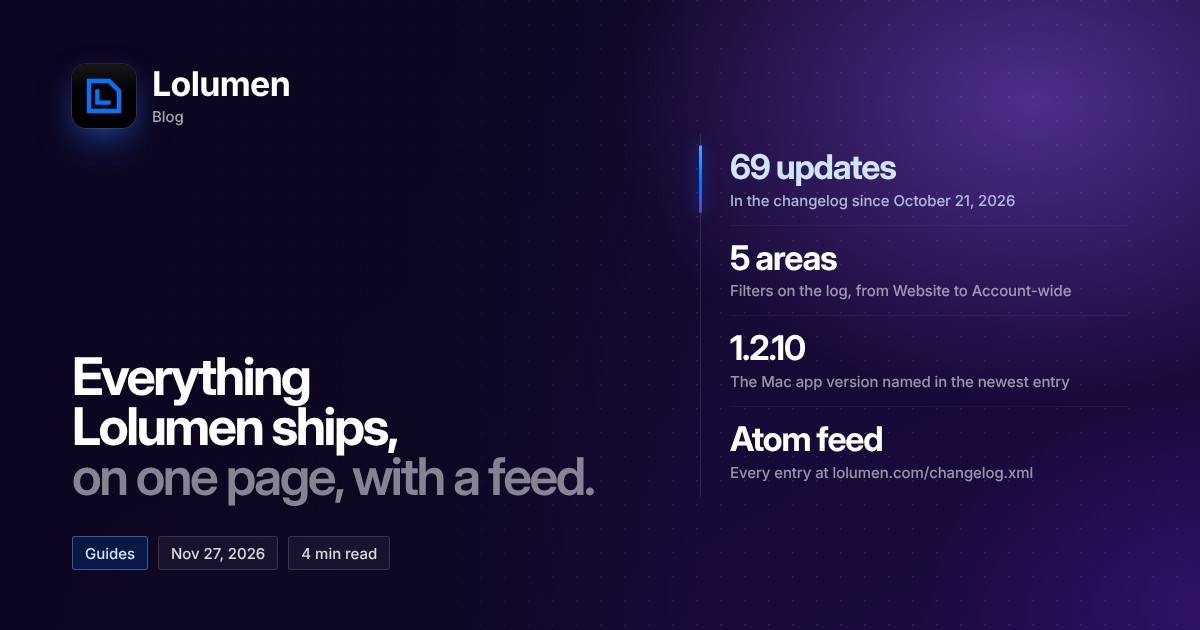
Lolumen changes often, and most changes come with a rule, a version number or a date attached. One page lists them all: the changelog. If you track with the Mac app, check the meta, or just want to know why something looks different today, start there. This guide covers how the page is laid out, how to filter it, and how to follow it without visiting.
What the page is
The changelog opens on the line "What shipped, and when." It covers product updates for Hearthstone, the desktop app and the website. Under that sits a short "Latest updates" list with the three newest entries, each with its title, date and area. On the day this guide was written, those were "The Mac app shows only what Lolumen offers" and "The daily games are open to everyone" (both November 25), and "The Mac app names your plan" (November 24).
Below the short list is the full log, headed "The full log. 69 updates since October 2026." Entries are grouped under month headings, newest first. There are 59 from October, when Lolumen opened on October 21, and 10 so far in November. The page has no pagination: every update is on one page, and the list ends with "That's everything since October 2026."
Reading an entry
Each entry has:
- A number and a date. The date is a permalink to that entry, so you can link a teammate or a forum thread straight to one change.
- A title written as a plain statement of what changed, such as "Decks with a Fabled card" or "Your rank, in the Mac app".
- Its area tags.
- A short summary, and often a few bullets with the details.
For desktop changes, the bullets usually name the version where the change arrived. For example, the November 25 entry ends "From version 1.2.10", and the Fabled deck entry says "From 1.2.8". If something described in the changelog isn't in your Mac app yet, compare the version in the entry with the one you have installed.
Filtering by area
Filter buttons above the log narrow it to one area, and each shows how many entries it holds. The counts today:
- All: 69
- Website: 31
- Hearthstone: 28
- League of Legends: 21
- Account-wide: 21
- Desktop app: 13
An entry can carry more than one tag, so the area counts add up to more than 69. The daily games change on November 25, for instance, is tagged both Hearthstone and Website. "Account-wide" collects changes to things like plans and billing, the terms, sign-in and the site theme. Every League entry dates from October. Since November 24, the site has put Hearthstone tracking first and set the other sections aside, as the changelog entry for that day explains.
Following it without visiting
The changelog has an Atom feed at lolumen.com/changelog.xml, linked from the page as "Atom feed". It carries the same entries as the page, newest first, each with its title, date, area tags, summary and full text, and a link back to the entry's permalink. Add that address to any feed reader and new entries arrive as they're published.
The changelog and this blog
The changelog is the record, and the blog is where we explain it. When a group of changelog entries matters to how you play, such as Fabled decks counting in the meta or the Mac app showing your plan, we write a post that links back to the entries. The blog posts describe only what the changelog says. If you want to know exactly what changed and when, the changelog is the place to check.
If something on the site doesn't match what the changelog describes, the page ends with a "Contact us" link to the support address.