What S to D mean on Lolumen's meta, and when two decks really differ
How Lolumen's Hearthstone tier list turns a deck's record into a letter, and how Compare tells a real gap between decks from noise.
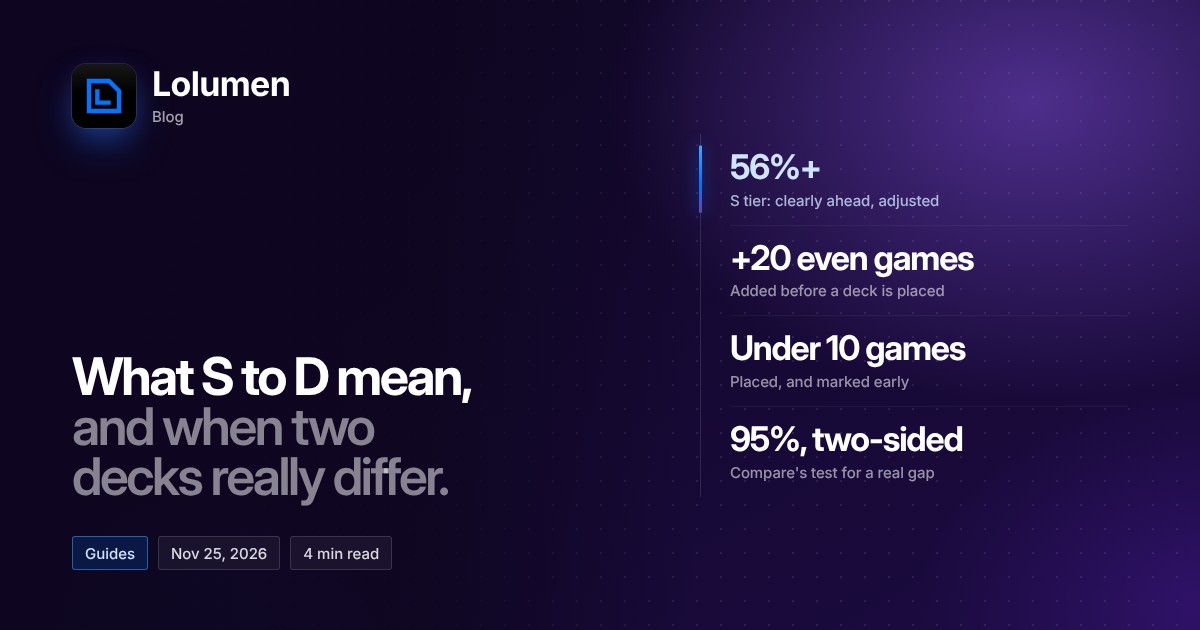
Lolumen's Hearthstone meta puts a letter next to every deck, from S down to D. Those letters are not opinions: each one comes from a fixed cut on a deck's win rate, after a small adjustment for thin records. The page also has a Compare tool for the question players actually ask, which is whether one deck is really better than another or just luckier so far. This guide covers both, using only what the meta page and its methodology doc, How the numbers work, say.
The adjustment comes first
Before a deck gets a letter, its record is padded with 20 even games: ten wins and ten losses. In the doc's words, a deck is placed "by its win rate with 20 even games added." Its own example is a deck that went 7–1. That is 88% on paper, but (7 + 10) / (8 + 20) is about 61%, and 61% is what places it.
The point is to stop a short hot streak from topping the list. The padding barely moves a deck with hundreds of games and pulls a deck with a handful of games hard toward 50%. Draws are left out before any of this.
The tier list always shows the deck's real win rate and its 95% range next to the letter, so you can see both the unadjusted record and where it was placed.
What each letter means
The doc sets the cuts on the adjusted rate:
- S, clearly ahead: 56% or more.
- A, strong: 53% or more.
- B, even or better: 50% or more.
- C, slightly behind: 47% or more.
- D, behind: below 47%.
To see how the padding changes the picture, take two made-up records. A deck at 30–20 is 60% raw and (30 + 10) / (50 + 20), about 57%, adjusted, so it is S. A deck at 6–2 is 75% raw and lands on the same 57% after padding. It goes in S too, but with only eight decided games it is also marked early. A deck under 10 decided games is still placed, but its range is drawn as wide as it really is. Read an early S as "promising", not "proven".
The tier list covers the time frame you pick (the last day, 3 days, 7 days or 30 days) and the rank you select, from Bronze up to Legend's top 100. Changing either can move a deck between tiers, because it changes which games are counted.
Compare: is the gap real?
Two decks at 55% and 52% may or may not differ. Compare puts two or three decks side by side and says whether the gap between them is larger than the noise in their samples. The doc names the test: "a two-sided test at 95%."
Use it before you switch decks on the strength of a few points of win rate. If Compare says the gap is within the noise, the honest reading is that the games so far can't tell the two apart. Play the one you pilot better, or wait for more games.
By class and Popularity
The tier list has two more views:
- By class shows the same placings grouped by class, which is the quickest way to find the best-placed deck for the class you want to play.
- Popularity plots each deck's share of games against its win rate, with its range. A deck with a large share and a narrow range has been tested by a lot of games. A high win rate on a tiny share, with a wide range, is a deck to watch rather than a sure thing.
Matchups are free now
Each deck's record against each class appears in Matchups and in Compare, and covers the last 30 days. Lolumen's changelog for November 24 says the community matchup table, each meta deck's matchups and the meta's card win rates are free for everyone, signed in or not.
What the numbers describe
All of this comes from ranked games tracked on Lolumen by players who share them. The methodology doc is clear that the numbers describe "those games, not the whole ladder." Games added by hand count in your own stats, not the meta. To keep your games out of the community numbers, turn off "Count my ranked games in the community stats" in Settings, Preferences.
To add your own games, start with the tracker. Every card in the decks is in the card library.